



The best interactive stream ideas are short games viewers can join without a download: guessing games, higher or lower votes, host vs chat rounds, team battles and a daily puzzle. A viewer answers, the stream shows the result, and a round takes a minute or two.
Most lists of streamer games are video games that are fun to stream, where chat only watches. In these twelve, the audience plays too. For the StreamArena games built for this, see our games to play with your viewers page.
Four ways viewers can play with you
Viewer games fall into four groups, and the difference is what a viewer has to do to join.
| How viewers join | What viewers need | Good for |
|---|---|---|
| Typing in chat | Nothing beyond chat | Fast rounds where answers can be public |
| Scanning a code on screen | A phone and its camera, no app | Any platform, and answers that stay secret |
| A second screen and a room code | A phone or laptop, and the code from your stream | Party games with a set number of players |
| Inside a game you all own | The game, installed and running | Gaming channels with a regular crew |
Typing in chat is the lowest bar, but the game has to read your chat. StreamArena games get chat through Upstream.so's Multi-chat, so viewers type answers when you stream with Upstream.so. In OBS, they scan the code on screen and play in their phone's browser, which also keeps answers secret. A room code adds a step: Jackbox's streamer guide tells audience members to go to Jackbox.tv on their own device and enter the code. Playing inside a video game is great for regulars, but new viewers who don't own it can only watch.
Games for one to five viewers
A small chat needs games that don't wait for a crowd. These four work with a single regular.
Chat vs Host
You answer a question in secret, and chat guesses what you said. It works with a single viewer, and it gets better the longer someone has watched you.
Zoom Out
A photo starts zoomed in and slowly pulls back. The first right guess wins. A lone viewer races the zoom, so it's fun with one person.
The daily puzzle
One puzzle a day, the same for every stream that plays it. Wordle made the idea famous.
A new puzzle is available each day.
On stream, your chat plays the daily puzzle together and lands on a global leaderboard, so five viewers compete with everyone.
Two truths and a lie
Tell chat three things about your week and let them find the lie. It needs no tools, and it's a good way to learn who's in chat tonight.
Games for five to fifty viewers
With a few dozen people, races and votes start to feel busy. These games give chat something to argue about.
Movie Barcode
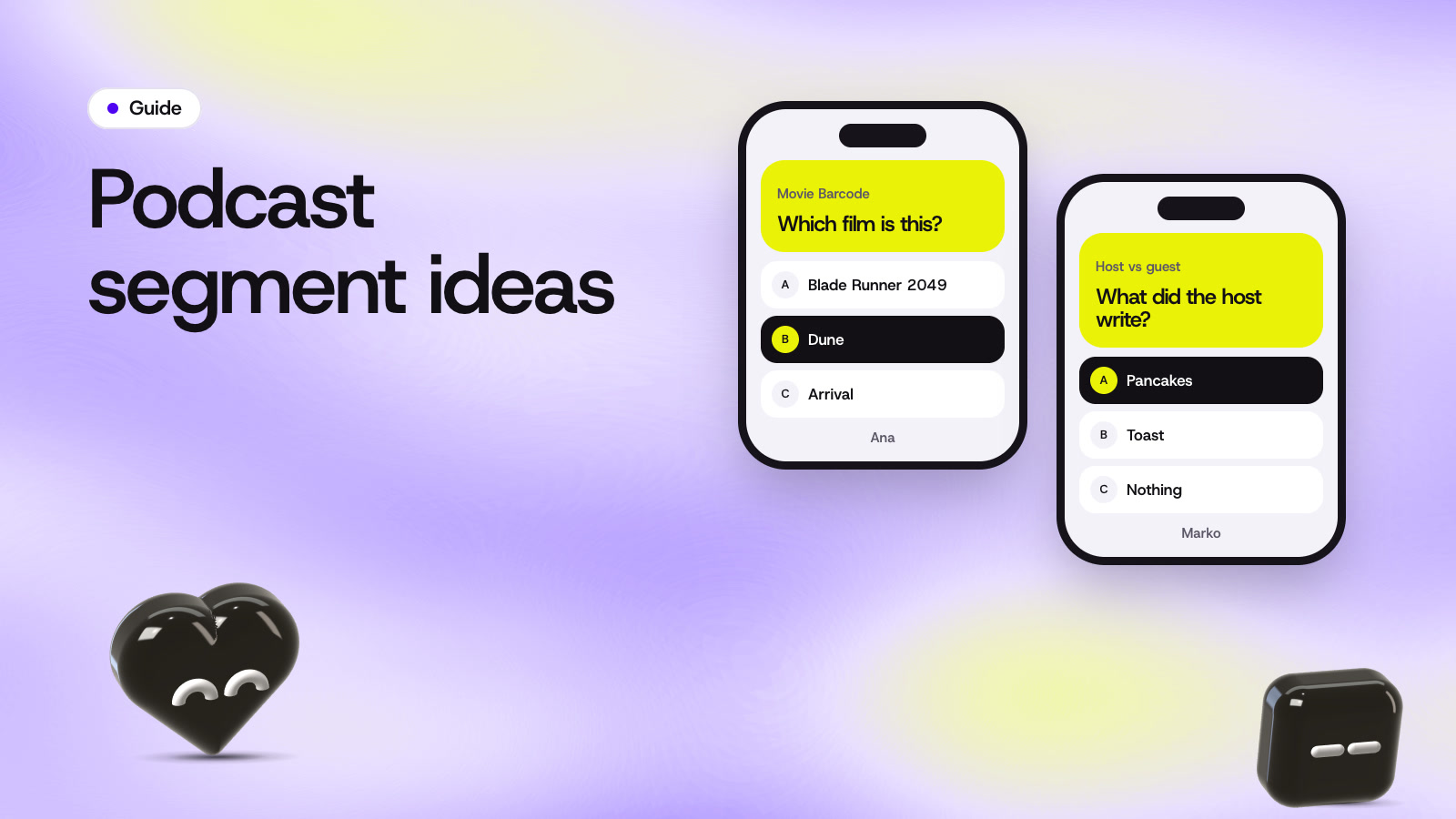
A film squashed into colored stripes, one per frame. Chat names the film. It's hard enough that the first right answer gets a cheer. Our movie barcode explainer shows how the stripes are made.
Higher or Lower
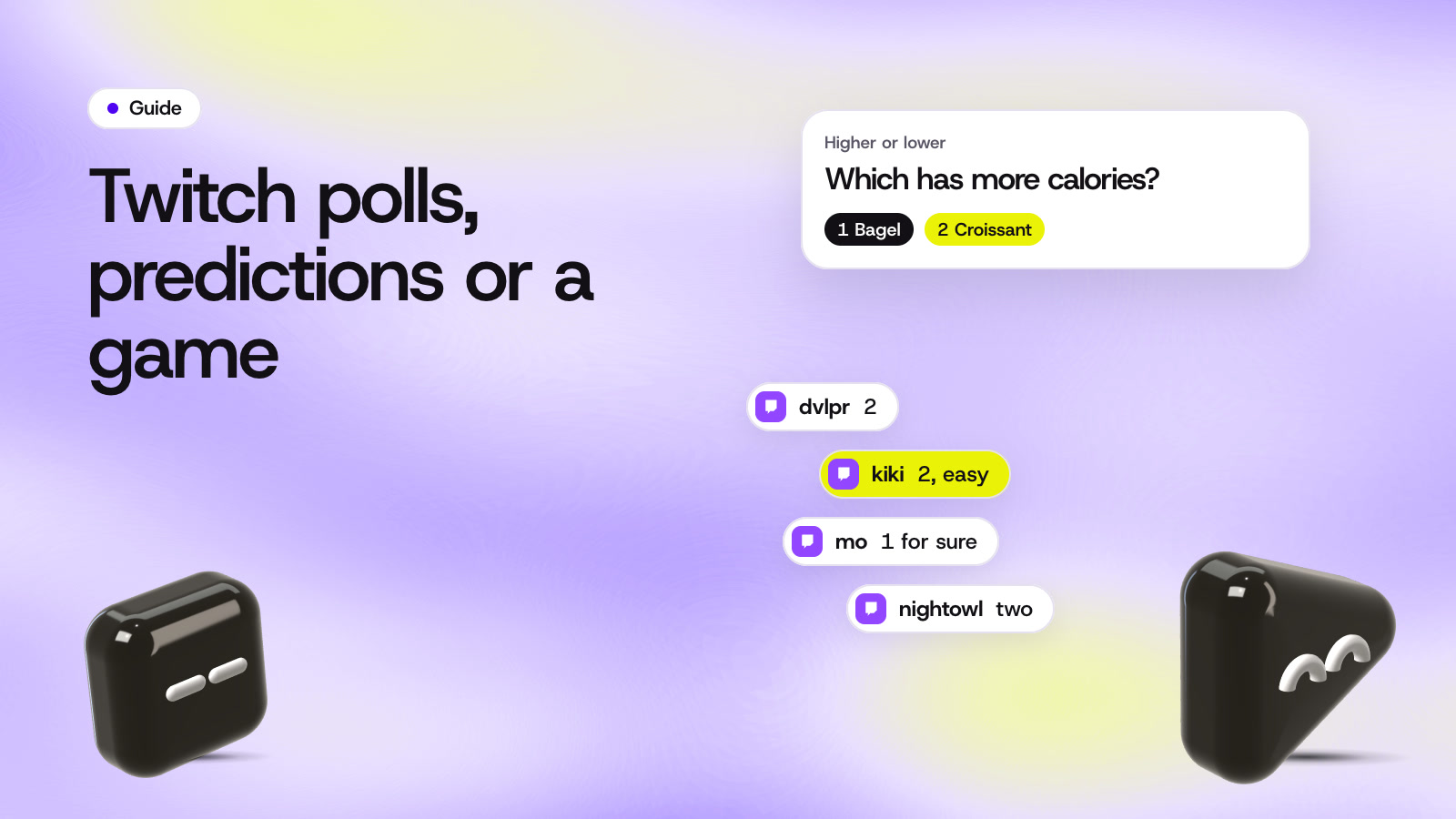
Two things on screen, and chat votes which one is bigger, older or pricier. You can bet against chat, which turns a round into a small rivalry.
Emoji decode
A film or song in emojis. Theme the rounds around your stream: game titles for a gaming channel, hymns for a church stream, albums for a music show.
Price check
Show an item and let chat guess the price. The closest guess wins. Odd items from your own house get the best reactions.
Games for big chats
Once chat moves too fast to read, team games and votes work better than individual answers.
Tug of War
Chat splits into two teams that pull a rope across the screen. It needs a busy chat to feel close, so save it for raids and events.
Platform Wars
If you multistream through Upstream.so, YouTube, Twitch and Kick chat play as three teams on one board. Viewers on three platforms end up playing one game.
Polls on Twitch and YouTube
Both platforms have a native vote. Twitch Polls take 2 to 5 options and are for Affiliates and Partners. YouTube live polls take 2 to 4 options and can stay open for up to 24 hours. Use them for quick "which game next" votes.
Marbles races
Marbles on Stream is free on Steam. Viewers type !play in Twitch chat and race as their own marble. A race is a fun way to end a stream with a big chat.

Where games fit in a stream
A game works best as a break between other things. Three or four rounds take five to ten minutes, and then you go back to the show. These spots work well:
- The first ten minutes, while people arrive. A round gives early viewers something to do.
- Between topics or matches, when you'd otherwise be loading or reading chat.
- Right after a raid, so new viewers join in before they leave.
- The last ten minutes, to finish on a scoreboard and name a winner.

Keep it fair and friendly
Viewers see your stream a few seconds late, so give them time to answer. A timer of 15 seconds or more is safer than a fast five. Our guide to Twitch polls, predictions and chat games covers stream delay in more detail.
Count the first right answer, and show the scoreboard after a round, so people know where they stand. Shoutouts make good prizes. Skip anything where viewers pay to play.
Joke about the clue or about yourself, and leave the players out of it. A viewer who gets a round wrong on stream should still want to play the next one.
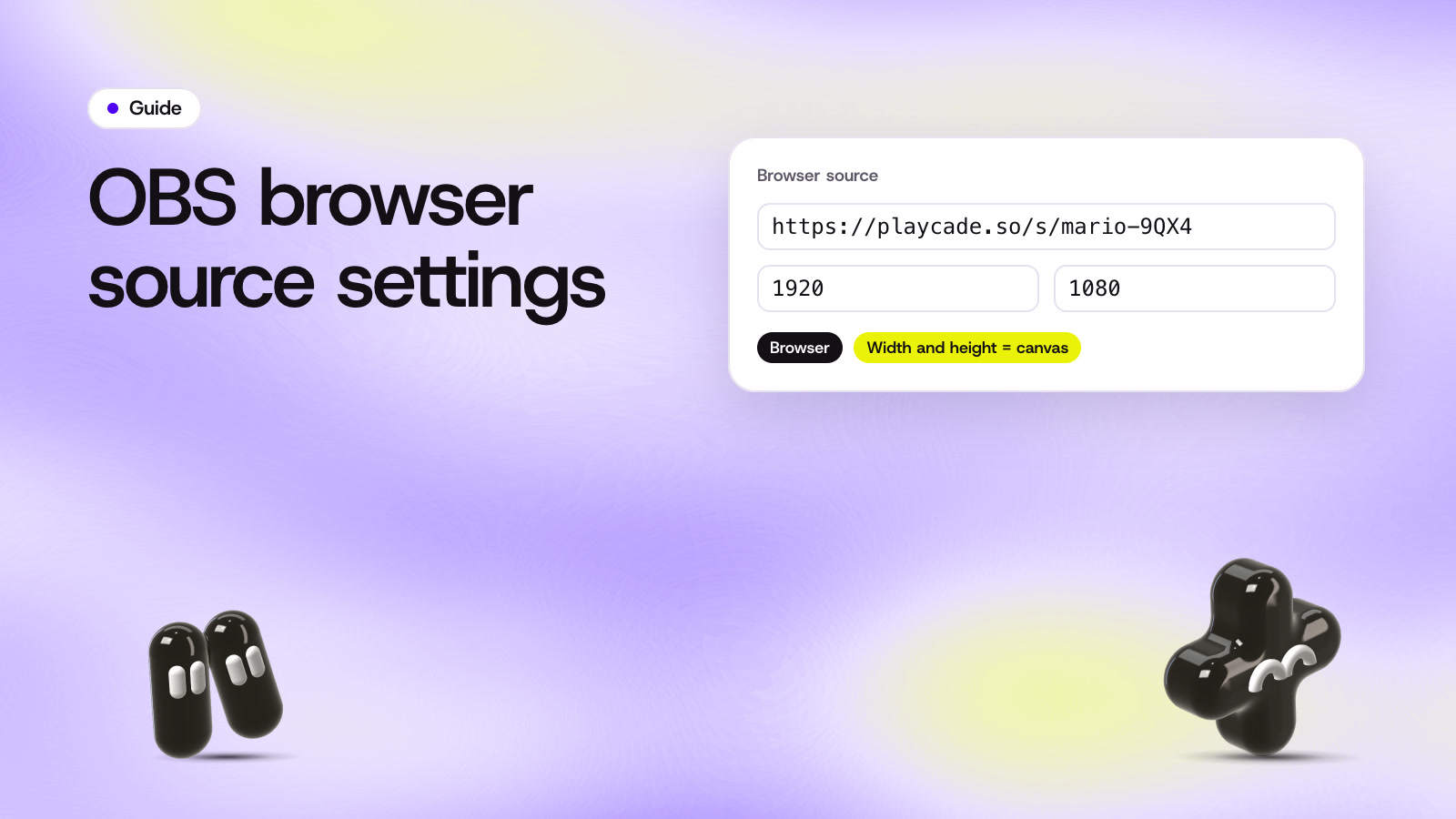
All of the StreamArena games above are in the lineup, with filters for "Great with 1 to 5", "With guests" and "Team battles". To put one on stream, follow the how it works steps or our OBS browser source guide. If you have guests on camera, they can play from their phones, as shown in guests.
Questions
What games can I play with viewers on YouTube?
Guessing games, higher or lower, host vs chat and team battles all work. With StreamArena in OBS, YouTube viewers play on their phones, and through Upstream.so they type in chat. YouTube's live polls also let channel owners run a 2 to 4 option vote.
Do viewers need an account to play?
Not for a phone game: viewers scan the code and play in the browser. To play by typing, they need to be signed in to chat on YouTube, Twitch or Kick, the same as for saying hello.
How often should I play a game on stream?
Two or three short breaks in a two hour stream is a good start. Watch whether chat asks for another round, and add more if it does.
Sources
- Jackbox Games, The Jackbox Party Pack 5 streamer's guide
- Twitch Help, How to use Polls
- YouTube Help, Polls in live chat
- Marbles on Stream on Steam
- The New York Times, Wordle
Checked on October 28, 2026. Platform features change, so open the page before you rely on a detail.