



YouTube Live has two ways of its own to get chat involved: polls in live chat, which channel owners can start with 2 to 4 options, and Playables in Live, a library of free mini games the creator plays on stream. Both run inside YouTube, and in both the host decides and the viewers mostly watch or vote.
If you want viewers to play a round themselves, you need a game on your stream. Our YouTube Live games page lists the StreamArena games that work best on YouTube, and the last part of this guide covers how viewers join one.
How YouTube live polls work
Channel owners can start a poll in live chat from the bottom of the chat window. A poll takes 2 to 4 options and can stay open for up to 24 hours. Viewers who are signed in vote right in the chat panel.
Have between two to four options
Live chat itself is on by default. The same help page says it's turned off when the audience is set as made for kids, and then polls are off too.
A poll is good for "which game next" or "pineapple on pizza, yes or no". It doesn't keep score across questions, and it shows in the chat panel only, so it isn't part of your stream video or your VOD.
What Playables in Live is
In September 2025, YouTube added Playables to Live. It's a library of more than 75 free mini games that the creator plays on stream, according to TechCrunch and Google's announcement.
In Playables, the creator holds the controller and viewers take part through chat. It's a good way to fill a quiet stream with no setup, and your viewers stay the audience.
Polls, Playables and games compared
| Who plays | Where it shows | Keeps score | |
|---|---|---|---|
| Live polls | Viewers vote | The chat panel | No |
| Playables in Live | The creator | The stream | For the creator |
| A game on your stream | Viewers and guests | The stream and the VOD | Yes, for everyone |
Let your viewers play a round
A game on your stream turns viewers into players. With StreamArena there are two ways in:
- In OBS, Streamlabs or Meld, viewers scan the code on screen or open the short link and play in their phone's browser. There's no app, and embedding a game is free.
- When you stream through Upstream.so, its Multi-chat brings YouTube chat into the game, so viewers answer by typing, the same way they'd say hello.

For game ideas sorted by chat size, read our interactive stream ideas.
One round for YouTube, Twitch and Kick
If you stream to YouTube and Twitch together, and maybe Kick too, your audience is split into chats that never meet. When you multistream with Upstream.so, one stream goes to up to 10 of 30+ supported platforms at once, and its Multi-chat feeds all three chats into the same StreamArena round.
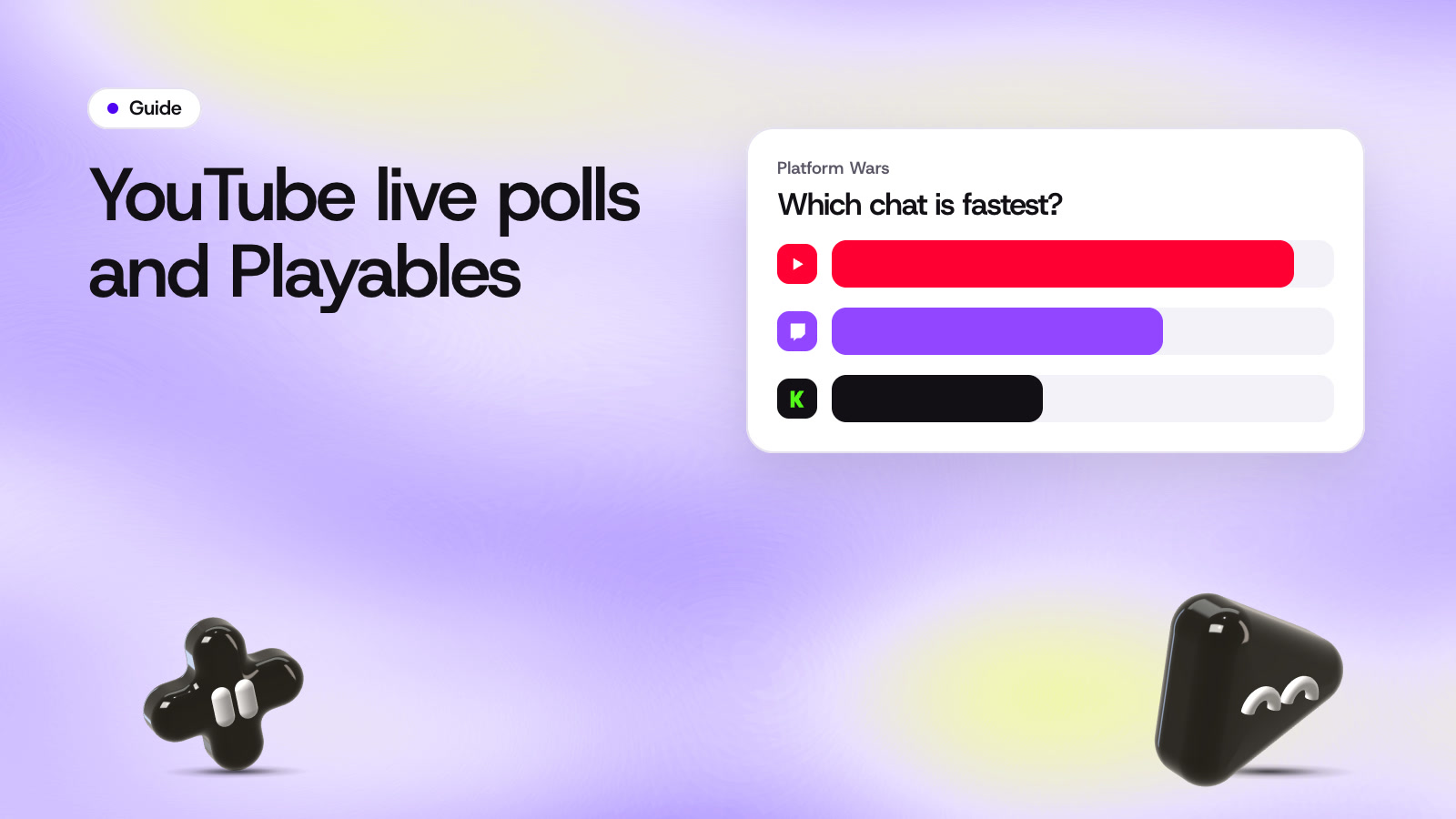
Players land on one scoreboard with a badge for the platform they're watching on. In Platform Wars, the three platforms play as teams, and the chats play to beat one another.

Tips for games on YouTube
Give viewers time. They watch a few seconds behind you, so a round of 15 seconds or more gives everyone a fair chance. In YouTube Studio you can pick a lower latency setting before you go live, which shortens the gap. StreamArena scores chat answers by the time they were sent, so a slow chat never changes who answered first.
Pin a short chat message with the rule, like "Scan the code to play" in OBS or "Type your guess, one word" on Upstream.so, so people who join mid round know what to do.
Read names out loud. Saying a winner's name on stream is the best prize you can give, and it costs nothing. When someone gets it wrong, blame the question.
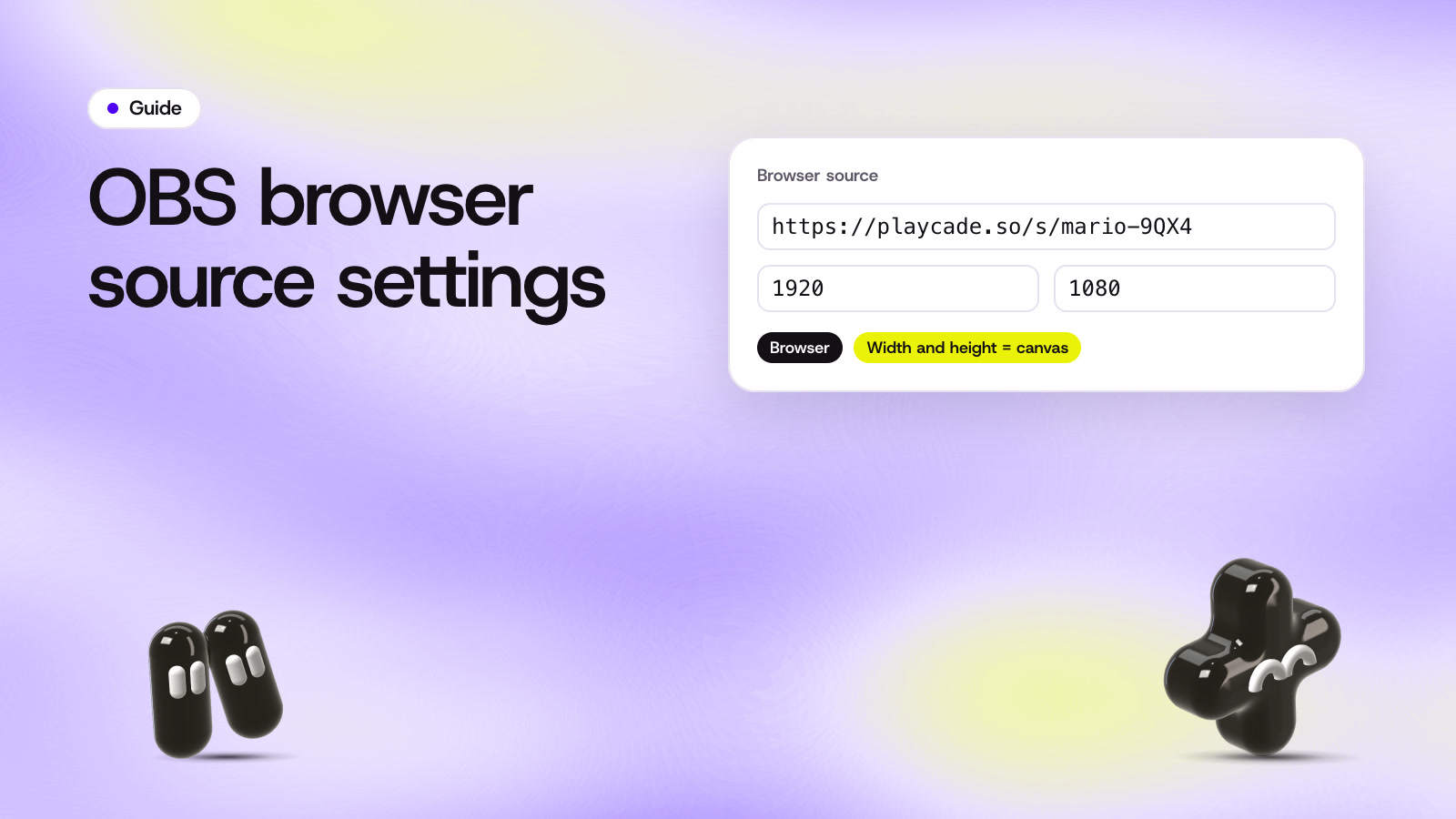
To set one up, follow the how it works steps or our OBS browser source guide. Guests on camera play from their phones either way, as shown in guests.
Questions
Who can start a poll in YouTube live chat?
Channel owners can start one from the chat window. A poll takes 2 to 4 options and can stay open for up to 24 hours.
Can YouTube viewers play Playables with the host?
YouTube and Google describe Playables in Live as games the creator plays, with viewers taking part through chat. For a round viewers play themselves, use a game on your stream.
Can YouTube chat play a StreamArena game by typing?
Yes, when you stream through Upstream.so, whose Multi-chat brings YouTube chat into the game. In OBS, viewers scan the code on screen and play on their phone instead.
Sources
- YouTube Help, Polls in live chat
- YouTube Help, Live chat
- TechCrunch, YouTube Live gets a major update (September 16, 2025)
- Google, Announcing our biggest updates to YouTube Live
Checked on November 7, 2026. Platform features change, so open the page before you rely on a detail.